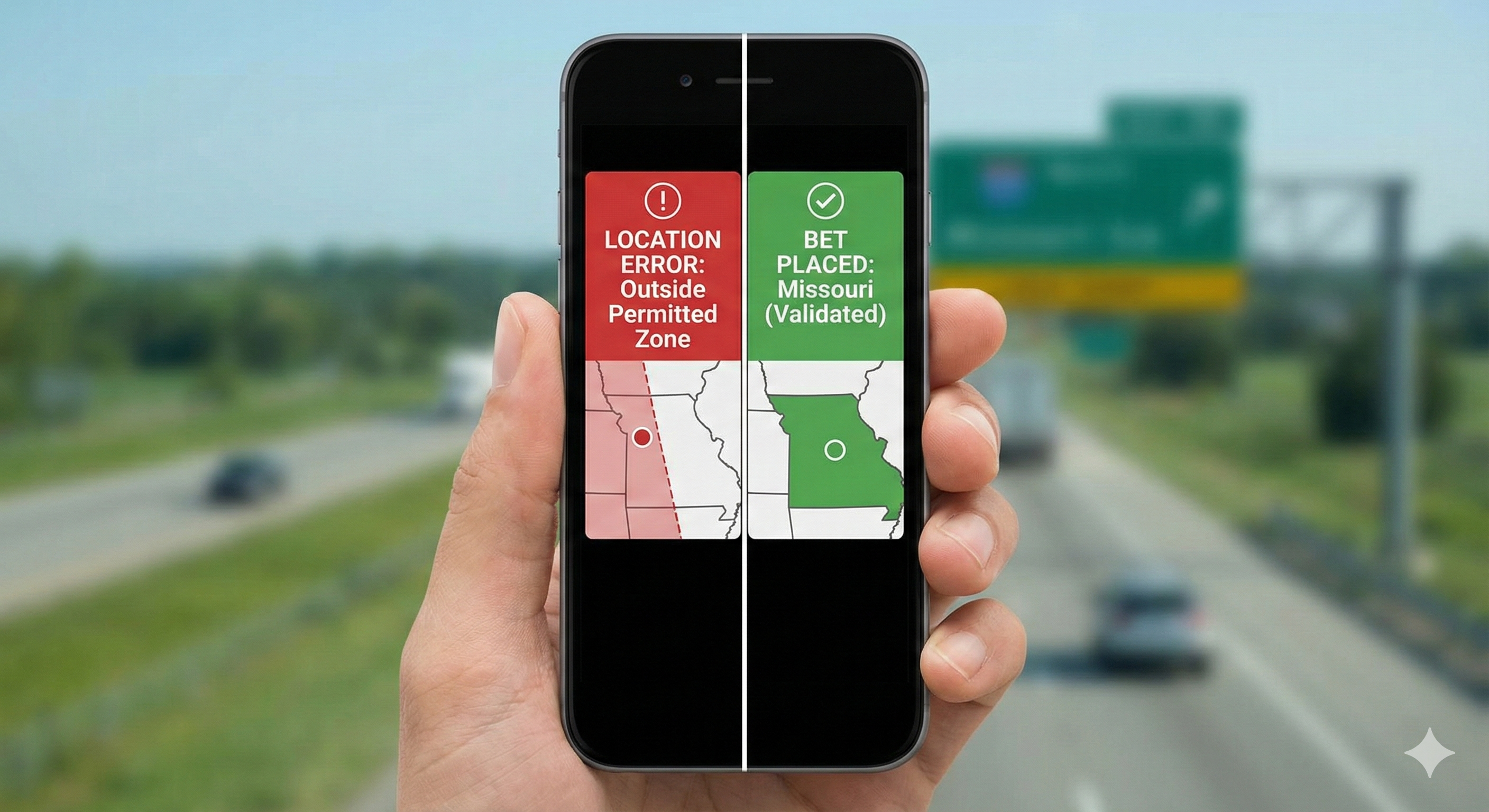
For years, the "State Line Drive" was a rite of passage for Midwest bettors. Residents of Kansas City, MO, would drive ten minutes west, park in a convenience store lot in Kansas, place their bets, and drive home.
With Missouri’s mobile launch last week, that ritual is dead. But the technology that killed it—High-Precision Geofencing—is far more complex than a simple GPS dot on a map.
The Tech: From Radius to Polygon In the early days of legalization (circa 2018), operators used "Radial Fencing"—drawing a simple circle around a permitted area. This was sloppy and often blocked users living near borders.
In 2025, the standard is Polygonal Fencing.
-
How it works: Compliance providers map exact state borders down to the inch using coordinate geometry.
-
The Drift Problem: Smartphones drift. GPS signals bounce off buildings. To solve this, modern apps now triangulate data from Wi-Fi BSSIDs (the unique address of a router) and cell tower signal strength to verify your location even if your GPS is "jittery."
The Anti-Spoofing Upgrade You might think a VPN is the answer. It isn't. The latest update to the major compliance SDKs (Software Development Kits) now checks for:
-
App List Scans: Detecting if known spoofing software is running in the background.
-
Mock Location Events: Identifying developer-mode settings on Android that allow manual GPS entry.
-
Connection Hop Analysis: Measuring the time it takes for data packets to return. If your IP says "Missouri" but the latency suggests the data traveled halfway around the world, the bet is blocked.
Consumer Takeaway If you live near a state border and are getting "Location Error" messages, turn on your Wi-Fi (even if you aren't connecting to a network). The app needs to "see" the local routers to confirm you aren't a ghost in the machine.